

 400-004-1014
400-004-1014
400-004-1014
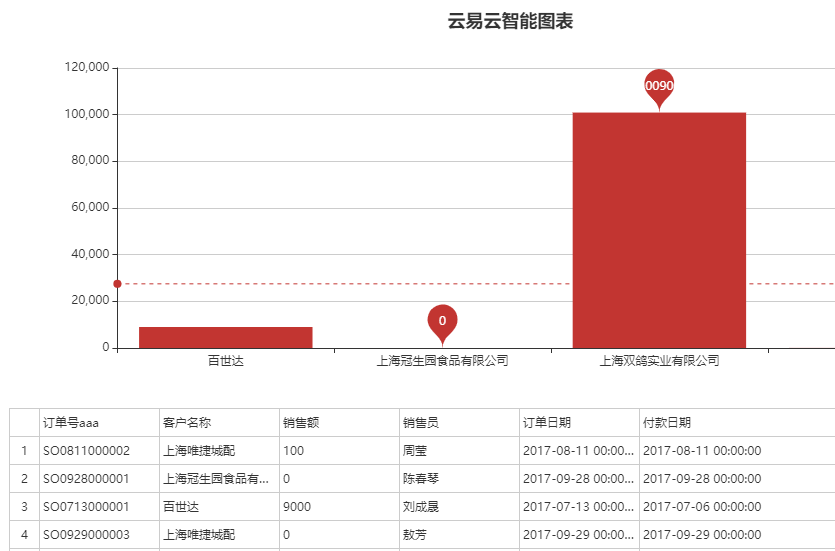
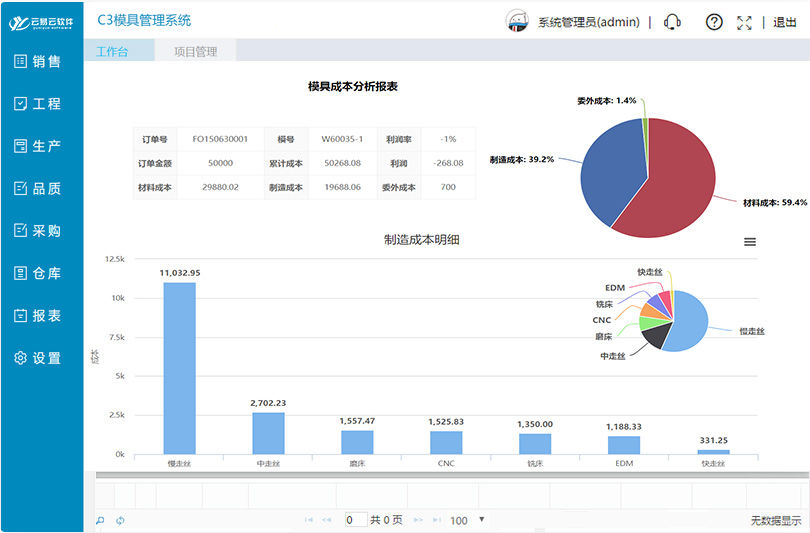
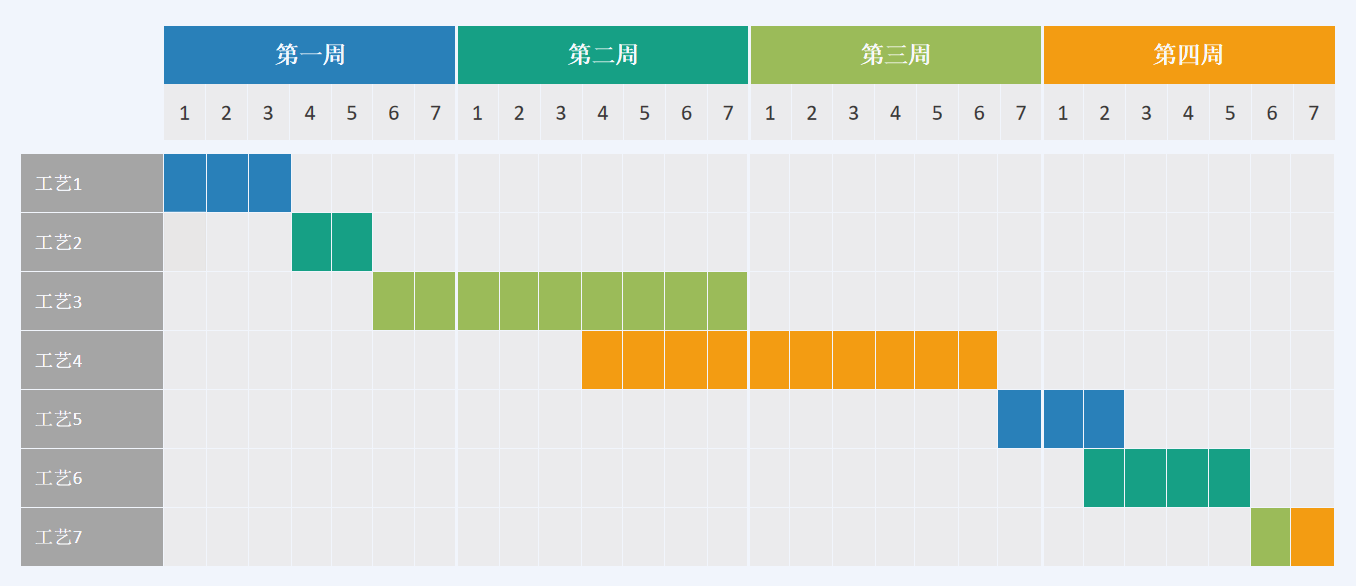
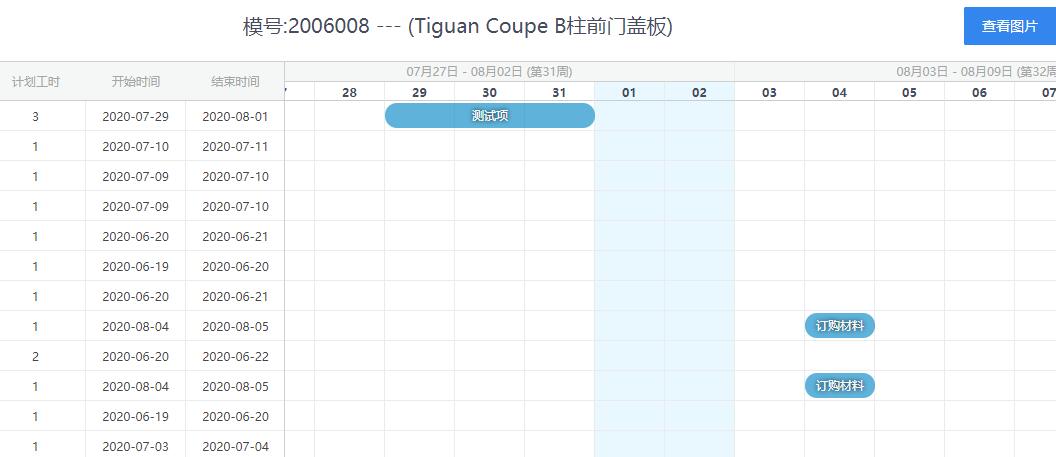
模具管理中有生产绩效报表,进度报表、产能负荷报表、机台负荷报表等等,将数据进行分组汇总后,看到的数据还是不够直观,所以要进行图表的建立。如果要生成每个模号的图表。
第一种方式:建立模板文件,将数据复制进去即可形成图表,这里的前提是分组的数据要用公式先设置好,如果分组是动态的,或者不显示零值的数据。那么就要采用第二种方式。
第二种方式:通过取数据库数据,然后在excel菜单中点击按钮进行拉取数据,过滤处理后,然后进行分组统计,最后显示数据和图表,这样数据是最新格式,可按程序指令进行格式处理,保证数据的准确安全。并且运行速度是最快的。
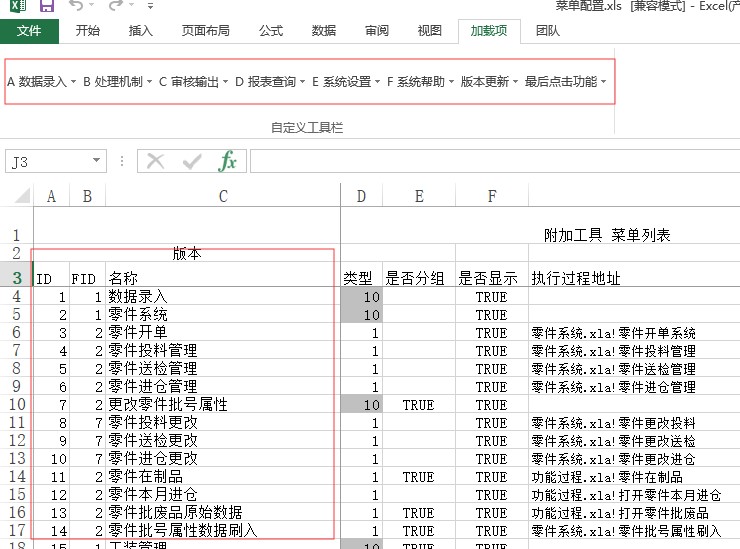
云易云软件基于数据库管理系统,Excel相结合的方式进行模具管理与生产绩效报表分析。Excel的便捷在于,报表的深度加工处理,很多管理系统都无法调整到个性化级别。以及报表电子档方式发送到客户供应商。对于上游客户需要进行产量、质量报备的情况下。数据库与VBA代码可提供管理信息系统的改造,实现企业的生态化管理。
以下为生成图表的源码,有问题可咨询QQ:53757591 Private Sub 生成图表(ByVal sh As String, ByVal a1 As Integer, ByVal a2 As Integer, ByVal tol As Long) Dim mychart As String Dim i As Integer ActiveWindow.ScrollRow = 1 ActiveWindow.ScrollColumn = 1 Charts.Add mychart = ActiveChart.Name ActiveChart.ApplyCustomType ChartType:=xlBuiltIn, TypeName:="两轴线-柱图" ActiveChart.SetSourceData Source:=Sheets(sh).Range("A65536"), PlotBy _ :=xlColumns ActiveChart.SeriesCollection.NewSeries ActiveChart.SeriesCollection.NewSeries ActiveChart.SeriesCollection(1).XValues = "='" & sh & "'!R" & a1 & "C2:R" & a2 & "C2" ActiveChart.SeriesCollection(1).Values = "='" & sh & "'!R" & a1 & "C3:R" & a2 & "C3" ActiveChart.SeriesCollection(2).Values = "='" & sh & "'!R" & a1 & "C9:R" & a2 & "C9" ActiveChart.Location where:=xlLocationAsObject, Name:=sh ActiveChart.ApplyCustomType ChartType:=xlBuiltIn, TypeName:="两轴线-柱图" With ActiveChart .HasTitle = False .Axes(xlCategory, xlPrimary).HasTitle = True .Axes(xlCategory, xlPrimary).AxisTitle.Characters.Text = "不良项目" .Axes(xlValue, xlPrimary).HasTitle = True .Axes(xlValue, xlPrimary).AxisTitle.Characters.Text = "不良数" .Axes(xlCategory, xlSecondary).HasTitle = False .Axes(xlValue, xlSecondary).HasTitle = True .Axes(xlValue, xlSecondary).AxisTitle.Characters.Text = "累积影响度" End With ActiveChart.HasLegend = False ActiveChart.Axes(xlValue).AxisTitle.Select With Selection .HorizontalAlignment = xlCenter .VerticalAlignment = xlCenter .ReadingOrder = xlContext .Orientation = xlVertical End With ActiveChart.Axes(xlValue, xlSecondary).AxisTitle.Select With Selection .HorizontalAlignment = xlCenter .VerticalAlignment = xlCenter .ReadingOrder = xlContext .Orientation = xlVertical End With ActiveChart.Axes(xlValue).Select With ActiveChart.Axes(xlValue) .MinimumScale = 0 .MaximumScale = tol .MinorUnit = 4 .MajorUnit = tol / 5 .Crosses = xlAutomatic .ReversePlotOrder = False .ScaleType = xlLinear .DisplayUnit = xlNone End With ActiveChart.Axes(xlValue, xlSecondary).Select With ActiveChart.Axes(xlValue, xlSecondary) .MinimumScale = 0 .MaximumScale = 100 .MinorUnit = 25 .MajorUnit = 25 .Crosses = xlAutomatic .ReversePlotOrder = False .ScaleType = xlLinear .DisplayUnit = xlNone End With ActiveChart.SeriesCollection(1).Select With Selection.Border .Weight = xlThin .LineStyle = xlAutomatic End With Selection.Shadow = False Selection.InvertIfNegative = False Selection.Interior.ColorIndex = xlNone With ActiveChart.ChartGroups(1) .Overlap = 0 .GapWidth = 0 .HasSeriesLines = False .VaryByCategories = False End With ActiveChart.PlotArea.Select With Selection.Border .ColorIndex = 16 .Weight = xlThin .LineStyle = xlContinuous End With Selection.Interior.ColorIndex = xlNone For i = 1 To ActiveSheet.ChartObjects.Count ActiveSheet.ChartObjects(i).Select ActiveChart.ChartArea.Select ActiveSheet.Shapes(i).Left = Range("J31").Left ActiveSheet.Shapes(i).Top = Range("J31").Top ActiveSheet.Shapes(i).Width = Range("S43").Left - Range("J31").Left ActiveSheet.Shapes(i).Height = Range("S43").Top - Range("J31").Top Next i End Sub
 返回
返回







 浅谈看板管理,控制现场生产流程